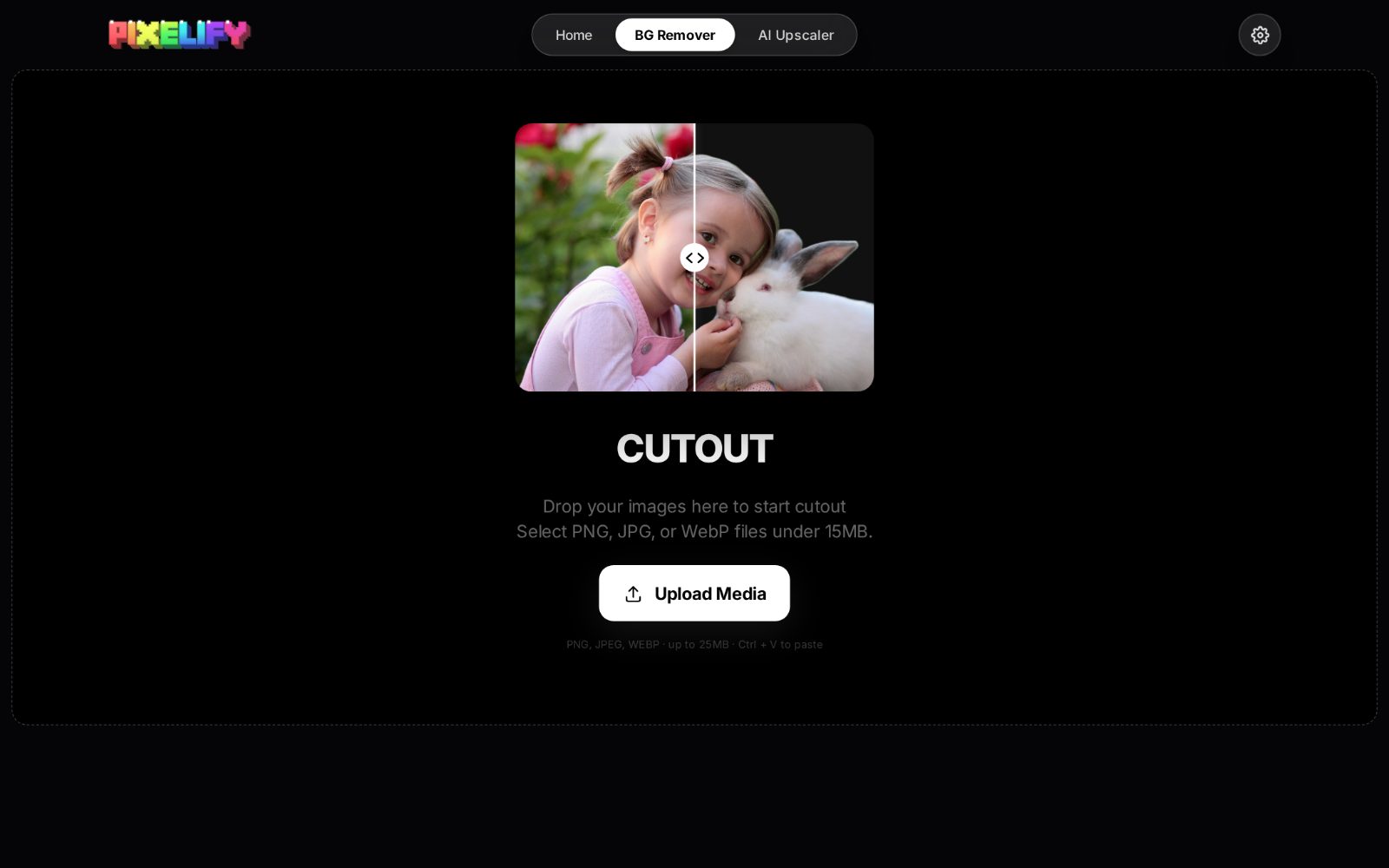
The fastest way to judge a tool is not its feature list but what it lets you stop doing. Nobody misses boiling water by hand until they own a kettle. Background removal has crossed that threshold: what used to be a line item in a designer's quote is now a step you complete while the coffee brews. Here are the seven places where instant cutouts change real workflows, not in theory, but in the small daily tasks where minutes quietly compound into hours.
1. Product listings that actually sell
Marketplaces have opinions about backgrounds. Amazon prefers pure white. Print catalogs want clean isolation for compositing. Social ads reward subjects that pop against the feed. A photo shot on a kitchen table fails all three, and reshooting is expensive. With an automatic remover, the kitchen-table photo becomes a floating product that can sit on white, on a gradient, or inside a designed layout: no studio, no lightbox, no re-shoot when the platform changes its guidelines.
The commercial effect is measurable in the industry's own data: listings with clean, isolated subjects consistently outperform cluttered ones, because the eye lands on the product instead of negotiating with the environment. For a small seller photographing fifty items a month, the old alternative was either paying for editing or losing the listing. One-click removal deletes that trade-off entirely.
2. Thumbnails and profile pictures with presence
Every thumbnail is a competition for a glance. A face floating on a bold color with a clean outline reads instantly at 200 pixels wide; the same face lost in a bedroom background reads as noise. This applies to YouTube thumbnails, podcast artwork, conference speaker headshots, and dating profiles alike. The cutout is what allows the text overlay, the drop shadow, and the brand color, the entire visual language of clickable imagery, to do its job.
3. Documents that look like someone cared
Resume headshots, ID photos, internal directory portraits, school newsletter photos: the unglamorous half of image editing. These are also the tasks with the tightest privacy sensitivity: a resume photo is identity data, a school photo is a minor's data, a directory headshot belongs to a colleague. Sending any of them to a free web tool to remove a background is a decision most people would not consciously make. Running the remover locally turns a moment of hesitation into a non-event.
4. Memes, edits, and rapid-response content
Internet culture runs on iteration speed. The cutout is the fundamental atom of the meme: subject extracted, subject pasted into new context. When extraction takes a second instead of ten minutes, the creative constraint shifts from "can I bother cutting this out" to "is this funny." Social teams monitoring a live event, community managers riffing on a trend, friends in a group chat: all of them hit the same wall with traditional editing, and all of it evaporates with a button.
5. Design and mockup composition
Designers spend an uncomfortable fraction of their time on extraction: pulling subjects out of stock photos so they can be composited into layouts, or isolating a screenshot's content from its desktop. Automatic removal makes the first pass free, and frees the designer's actual skill (judgment, composition, taste) for the part where it matters. The same math applies to slide decks: a speaker cutout behind a title slide looks designed, and it takes three seconds.
6. Print and craft work
Cutting machines, sticker printers, thermal transfer, scrapbooking: all of them need clean isolation with preserved transparency, exported as PNG. The craft community has long suffered through desktop editing software whose learning curve exists mostly for tasks like this. A remover that outputs a transparent PNG directly from a drop makes the machine workflow start at the fun part.
Process one photo, check the edges, then run the rest. Sellers doing fifty-item batches routinely finish an entire catalog shoot's worth of cutouts in less time than one photo used to take.
7. The work you could never do in the cloud
This last one is less about features and more about permission. There is an entire category of images people avoid processing online because they should: medical photographs, legal evidence, unreleased product shots under NDA, personal documents, images of children, private family photos. These all need exactly what a remover provides, isolation of the subject, and all of them are compromised by the upload step. Local processing does not just make these tasks faster. It makes them possible.
Why local multiplies every advantage above
Each win on this list gets a second multiplier when the processing never leaves the device. Speed: no upload, no queue, no download, so the loop is as tight as your GPU allows. Cost: no per-image credits, which means batches are not a budget decision. Reliability: no server outage turns a deadline into a crisis, and the tool keeps working on a plane. Privacy: the sensitive half of your library is processable for the first time. And iteration: cutout work is rarely right on the first pass, and local iteration is the difference between adjusting twice and abandoning the task.
Consider what that last point means in practice. A cutout of a person with flyaway hair against a busy background may need a second look before export, meaning a zoom to 100% along the hairline and a quick judgment call about whether the edge reads naturally. On a metered cloud tool, that second look costs another credit and another upload; on a local tool it costs nothing, so people actually do it. The quality difference between cloud and local workflows is less about the algorithm and more about how many iterations the pricing model encouraged.
The unifying thread is that background removal stopped being a specialist skill and became infrastructure, the same way filters made photo color accessible, and automatic speech-to-text made captions default. When extraction costs nothing, composition becomes the bottleneck, and composition is the part humans are good at. That trade, machines handling the tedious half while people keep the creative half, is the entire promise of local AI, and it is already delivered in this one, very practical corner of it.